TABLE OF CONTENTS
Review Obligation Page Summary
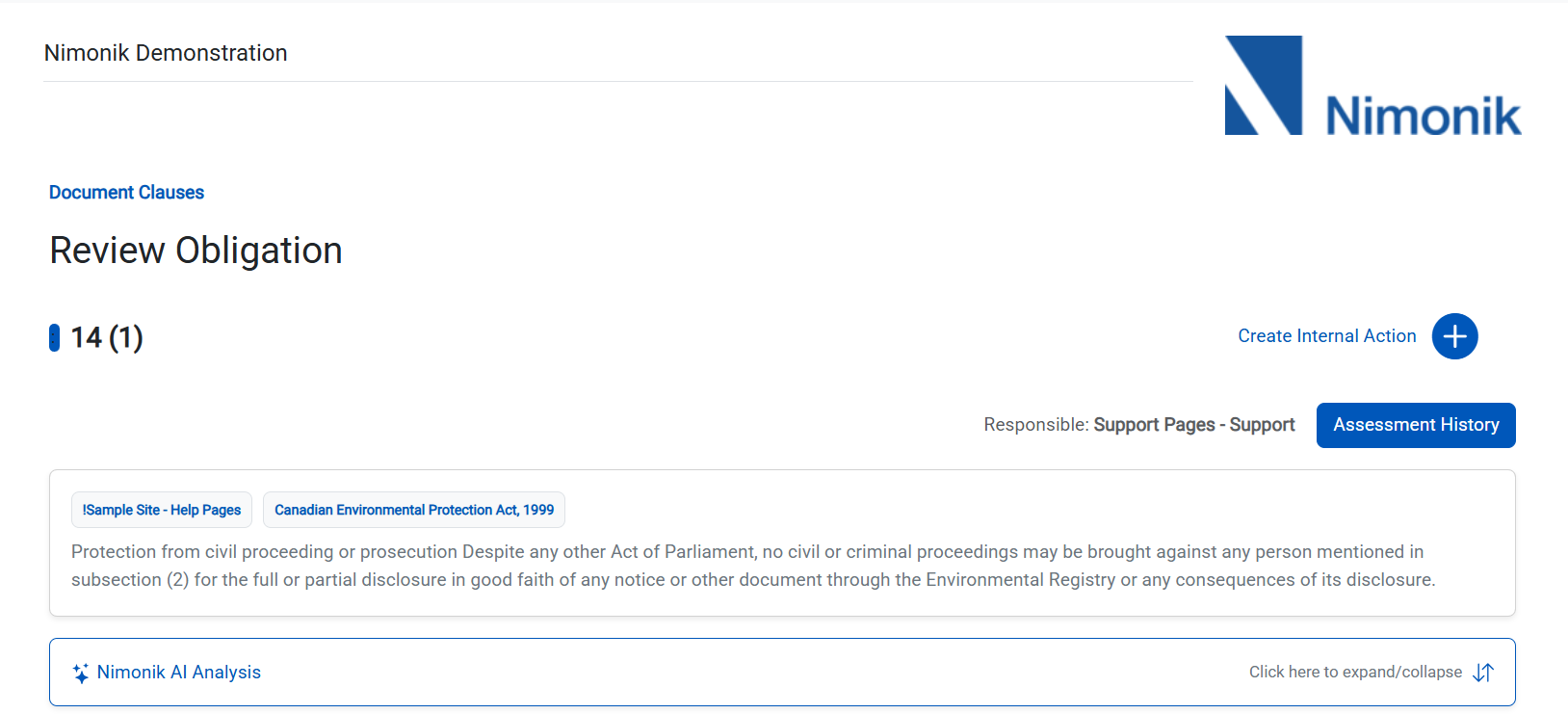
The Review Obligation Page allows a user to manage their assigned obligations listed from the Document Clauses page.
This feature aims to make managing your compliance easier and more user-friendly for those who prefer doing clause level compliance in a top-down list-format.
Reviewing the Obligation
The user can view the following information while reviewing the Obligation:
1. Clause Number
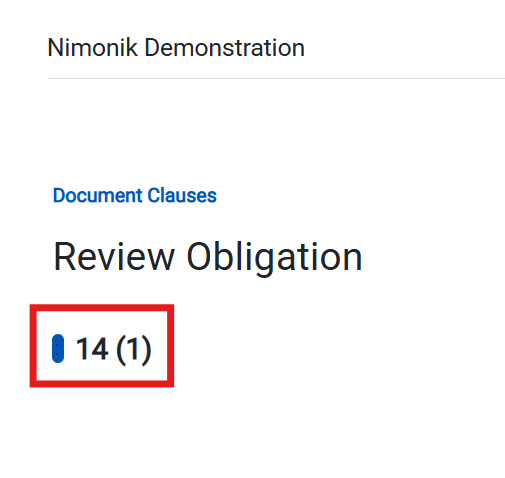
2. Clause Text

3. Register Name

4. Document Title

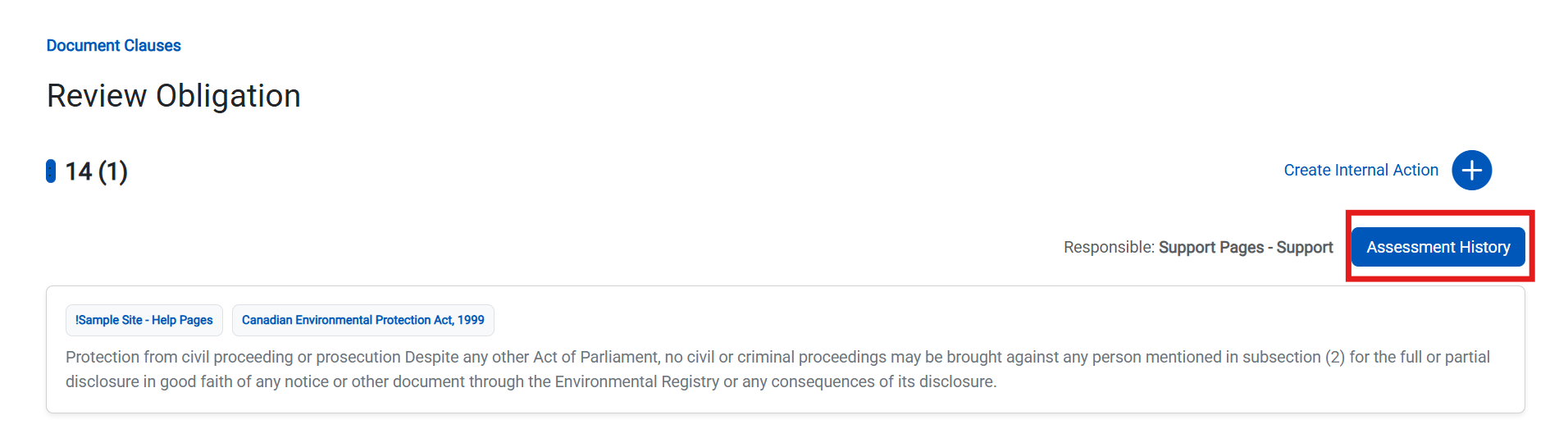
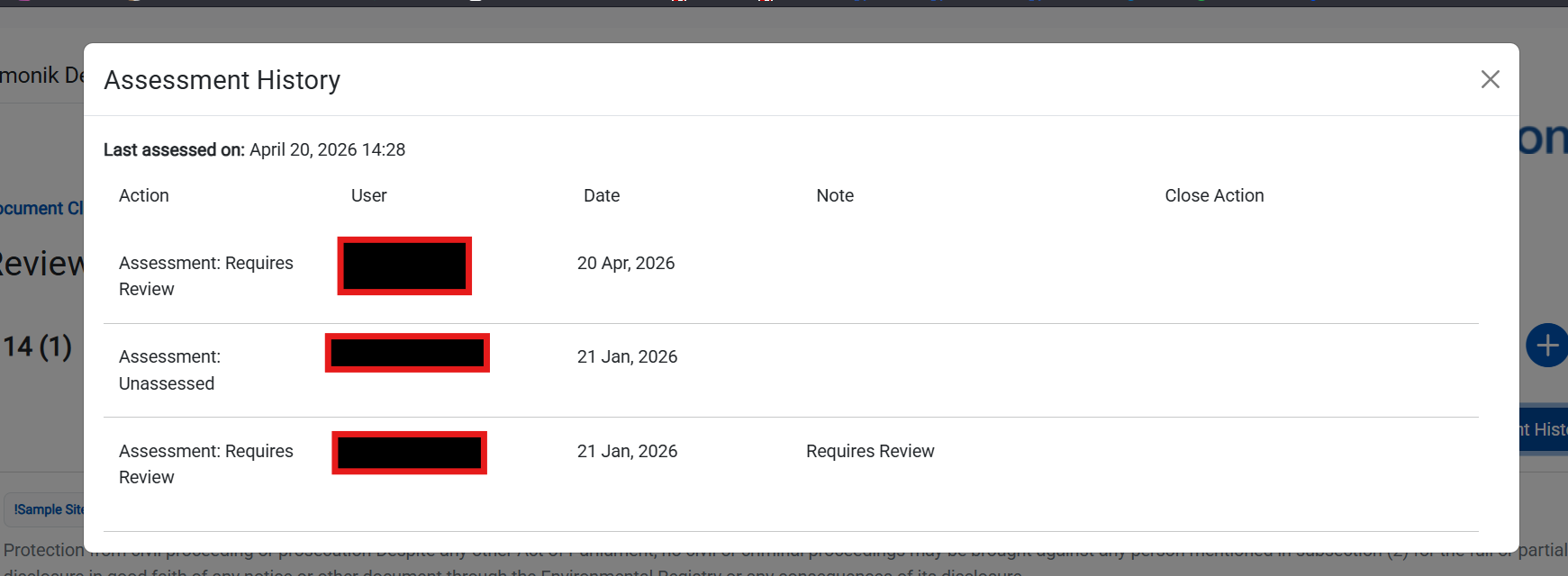
5. Assessment History
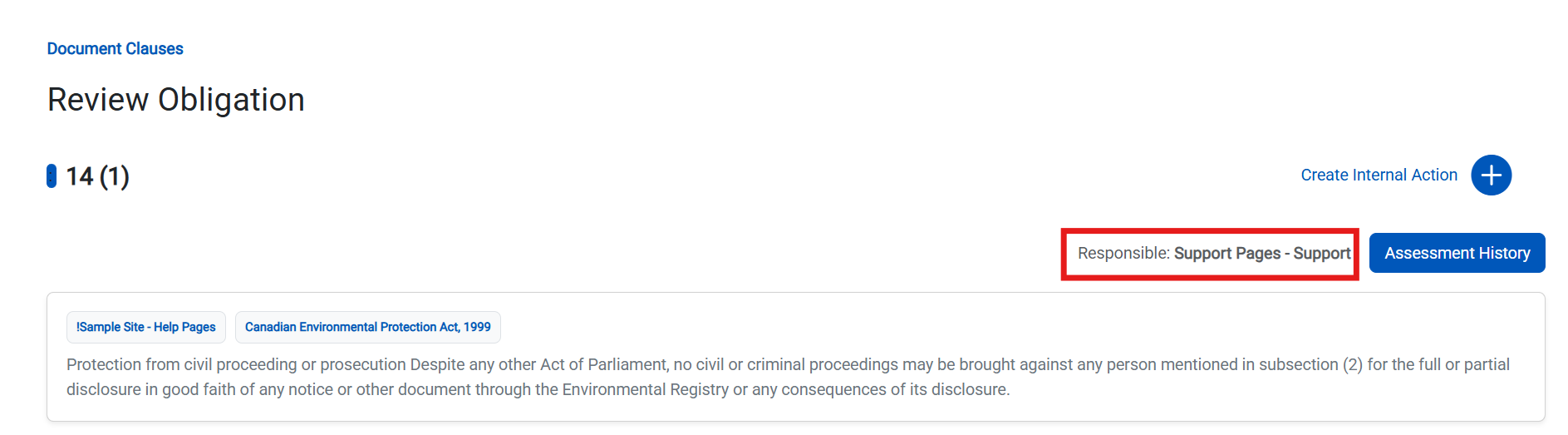
6. Responsible Party
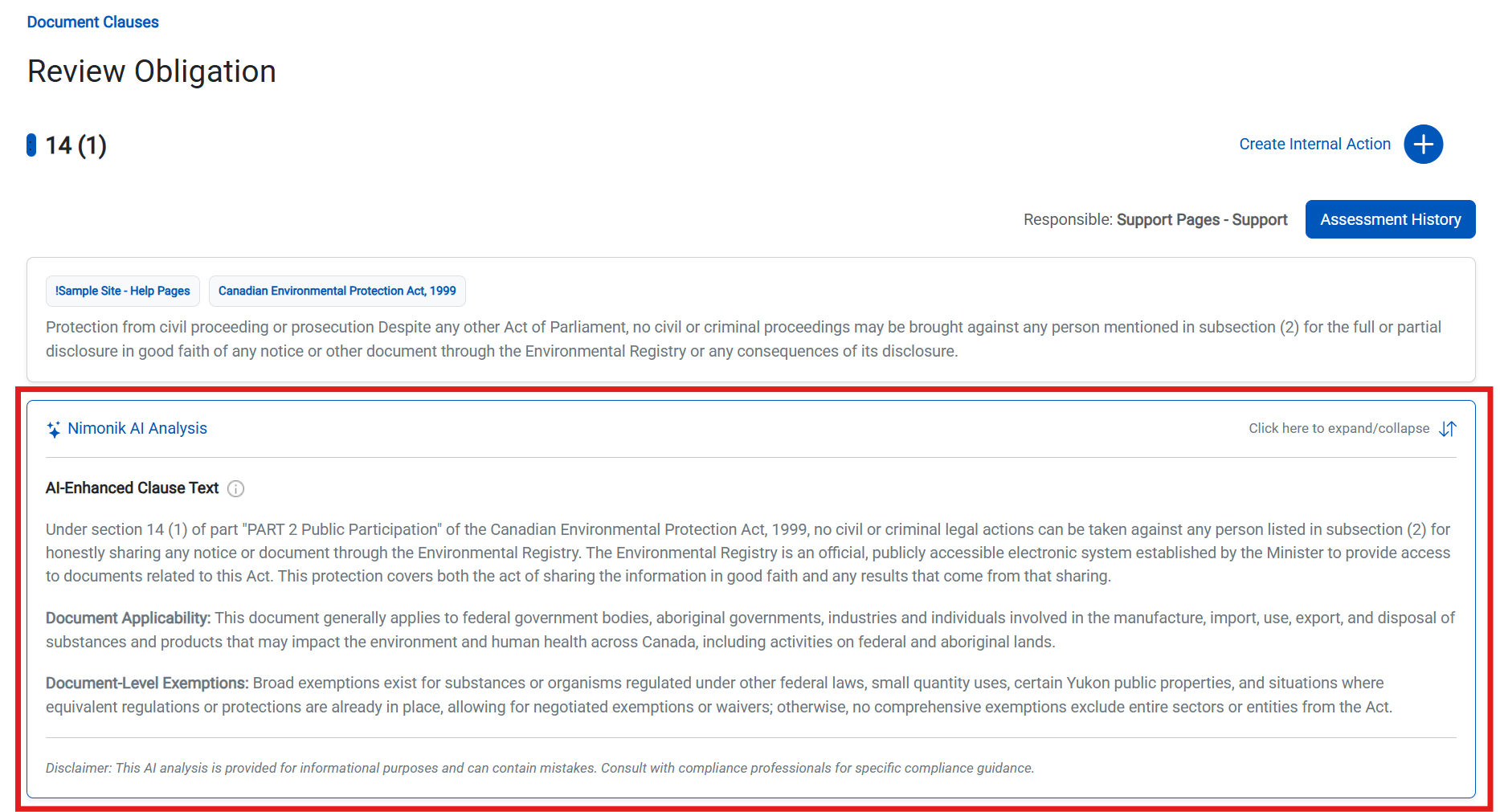
7. Nimonik AI Analysis
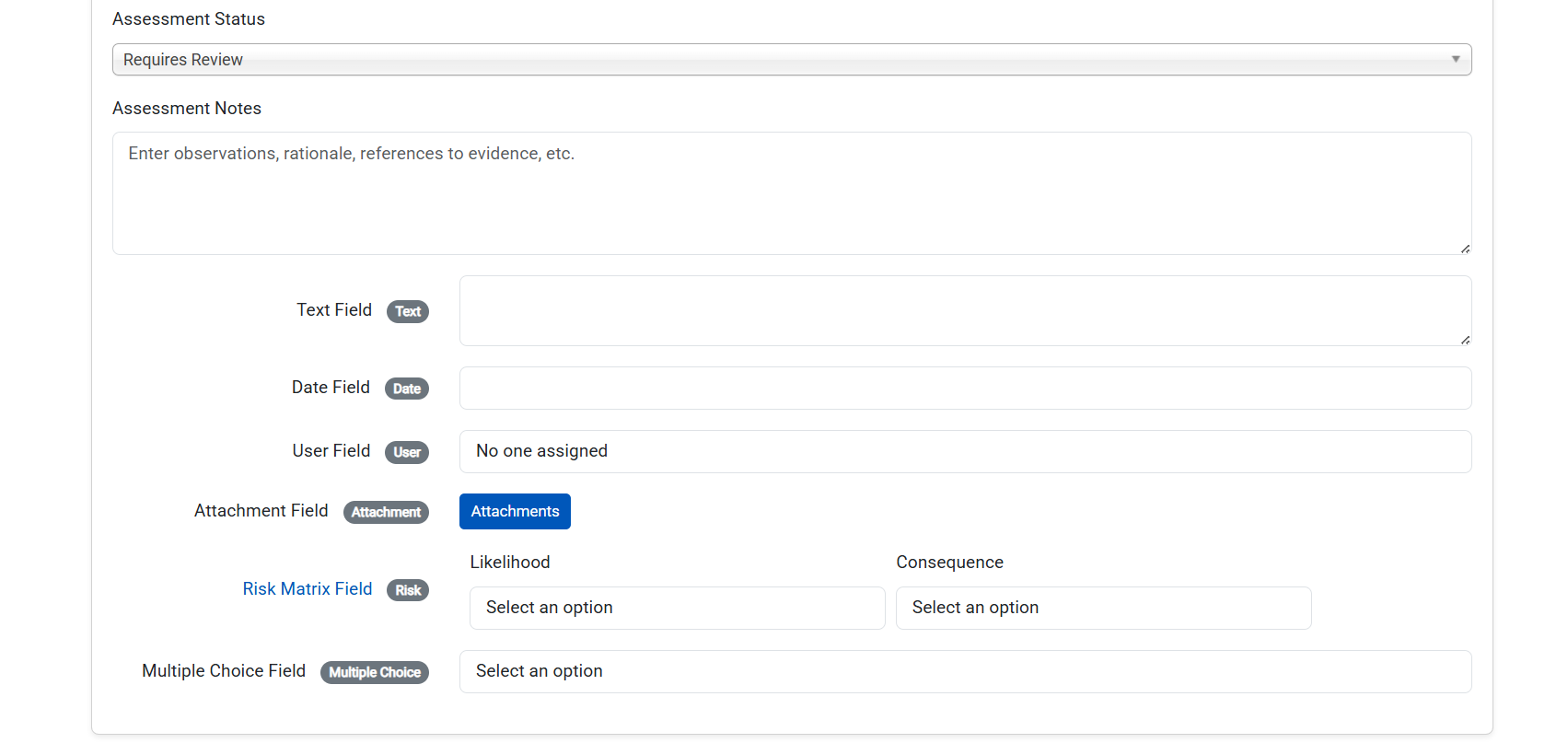
8. Current Custom Field Data (existing data will be shown)
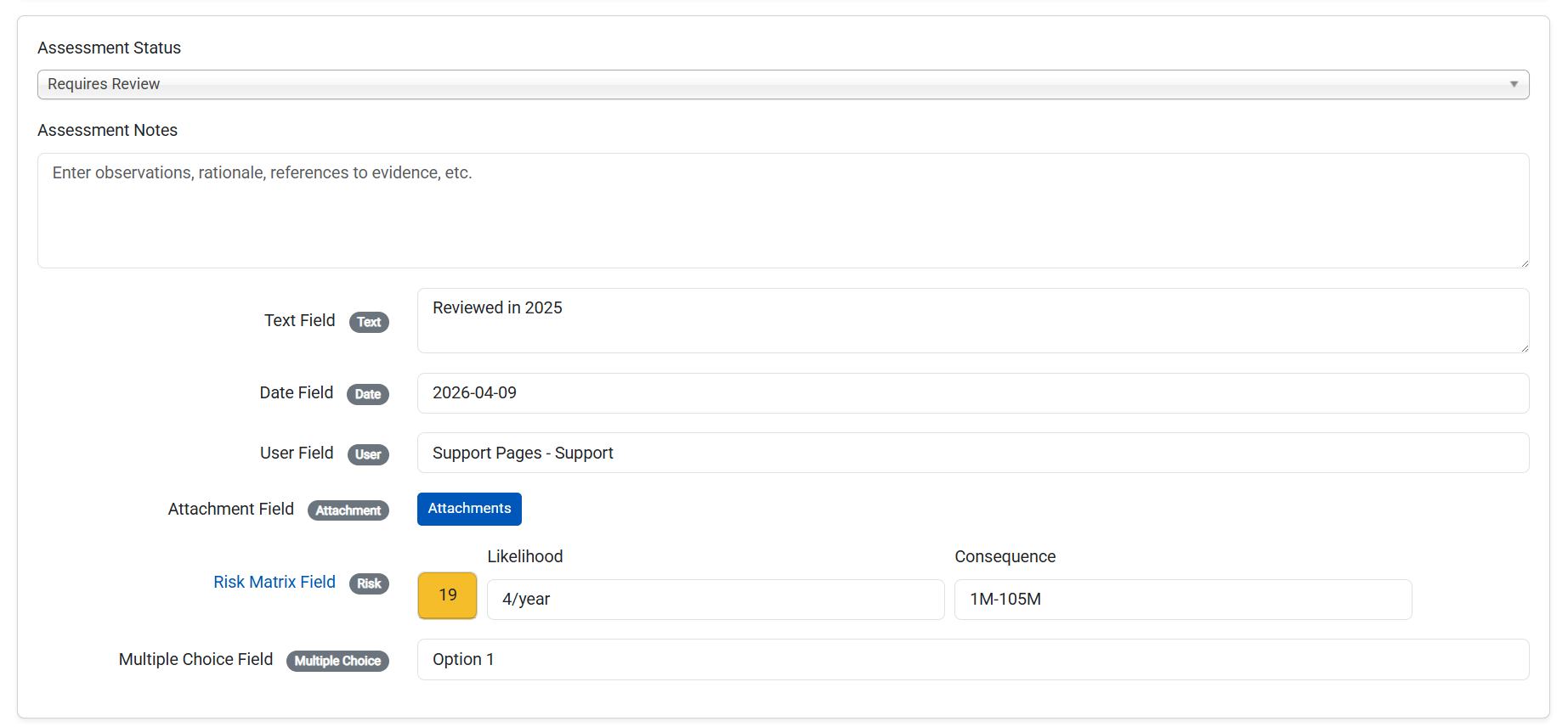
Assessing the Obligation
Once the user has reviewed the clause text and determined their assessment of the obligation, the can change the assessment status, leave an assessment note, and fill out any required custom field data.
Click the "Save" button to confirm.
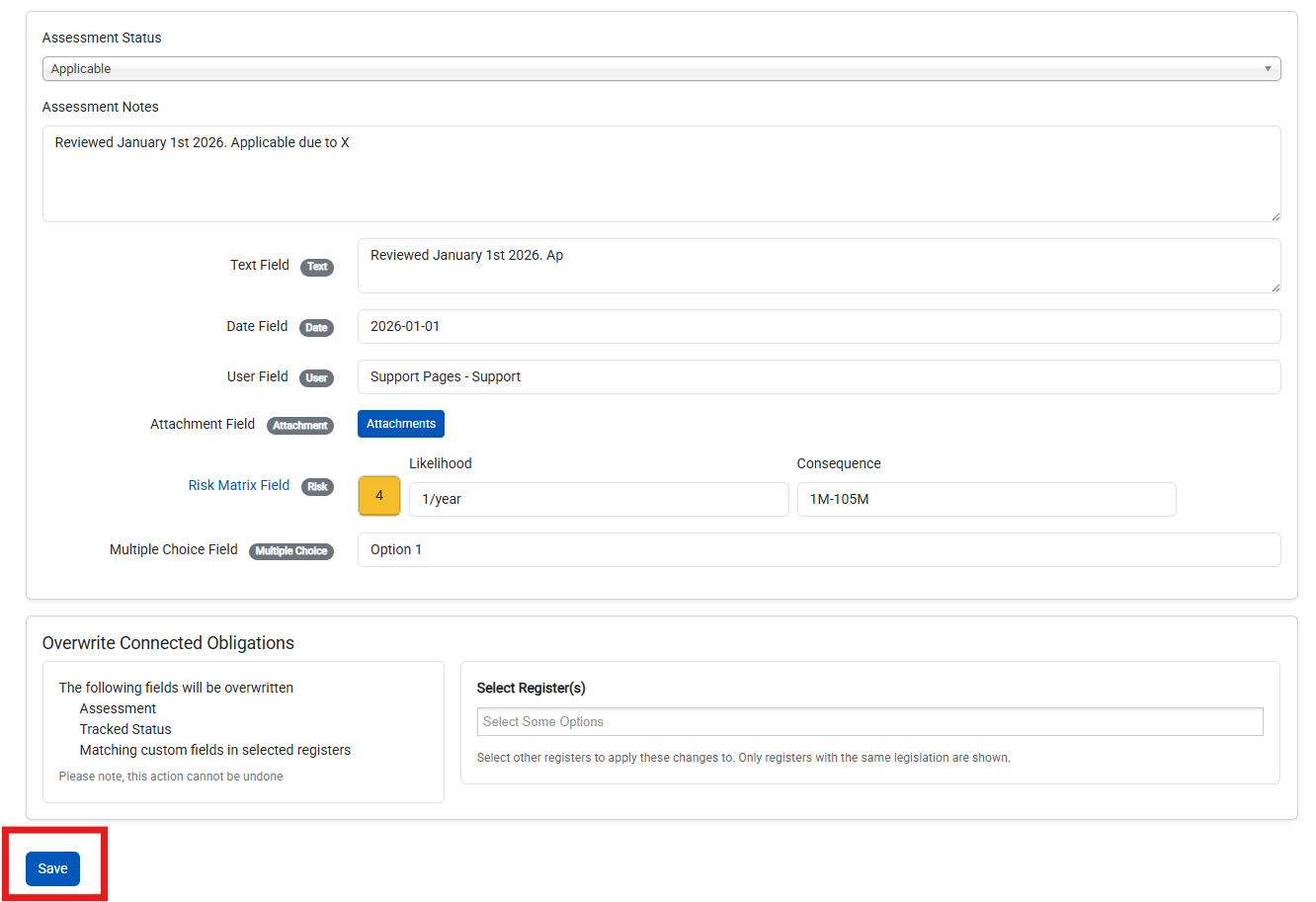
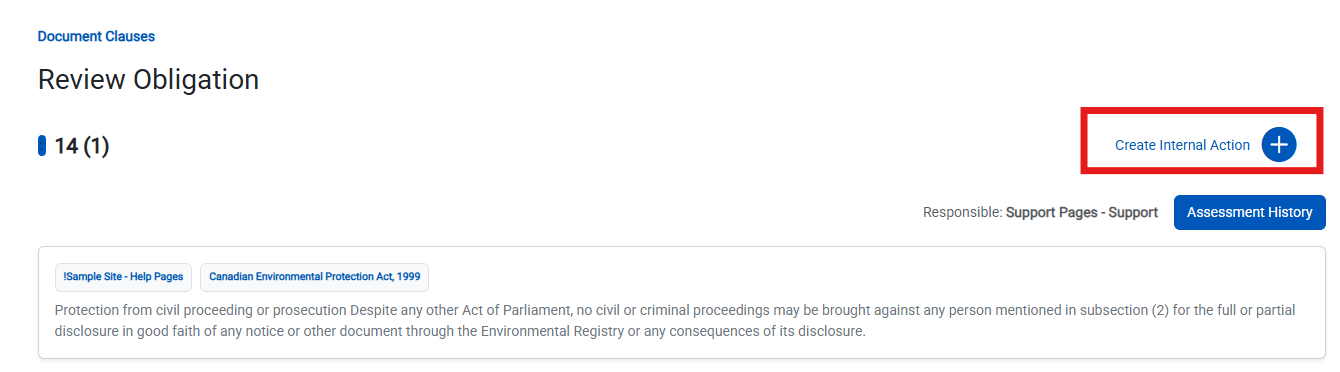
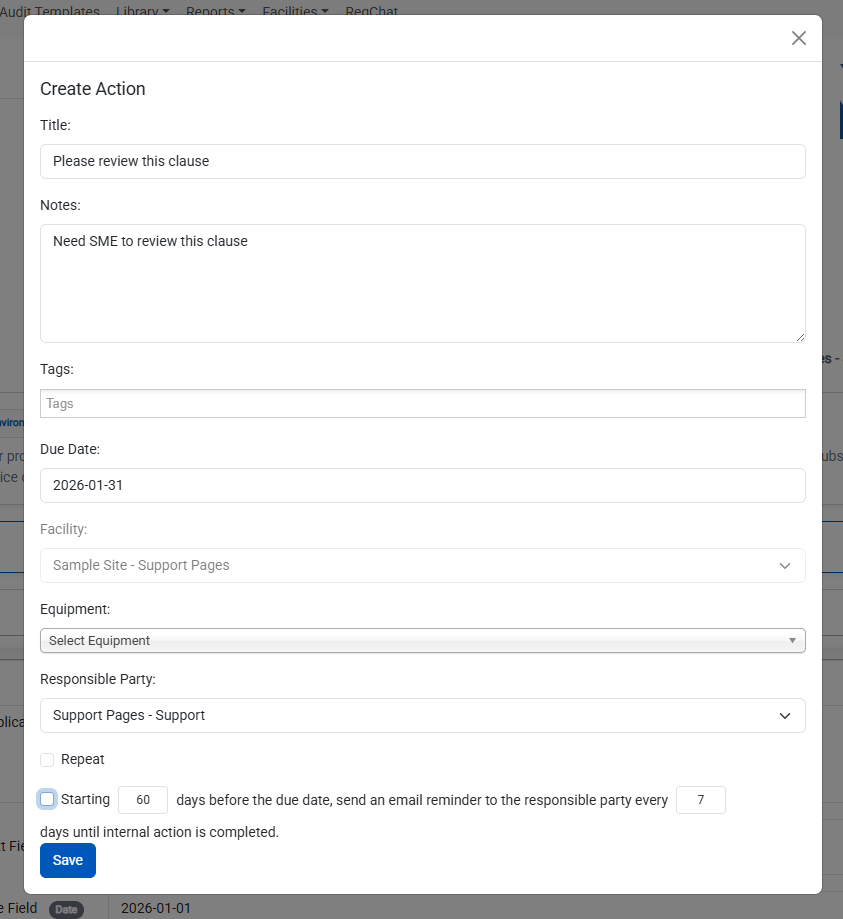
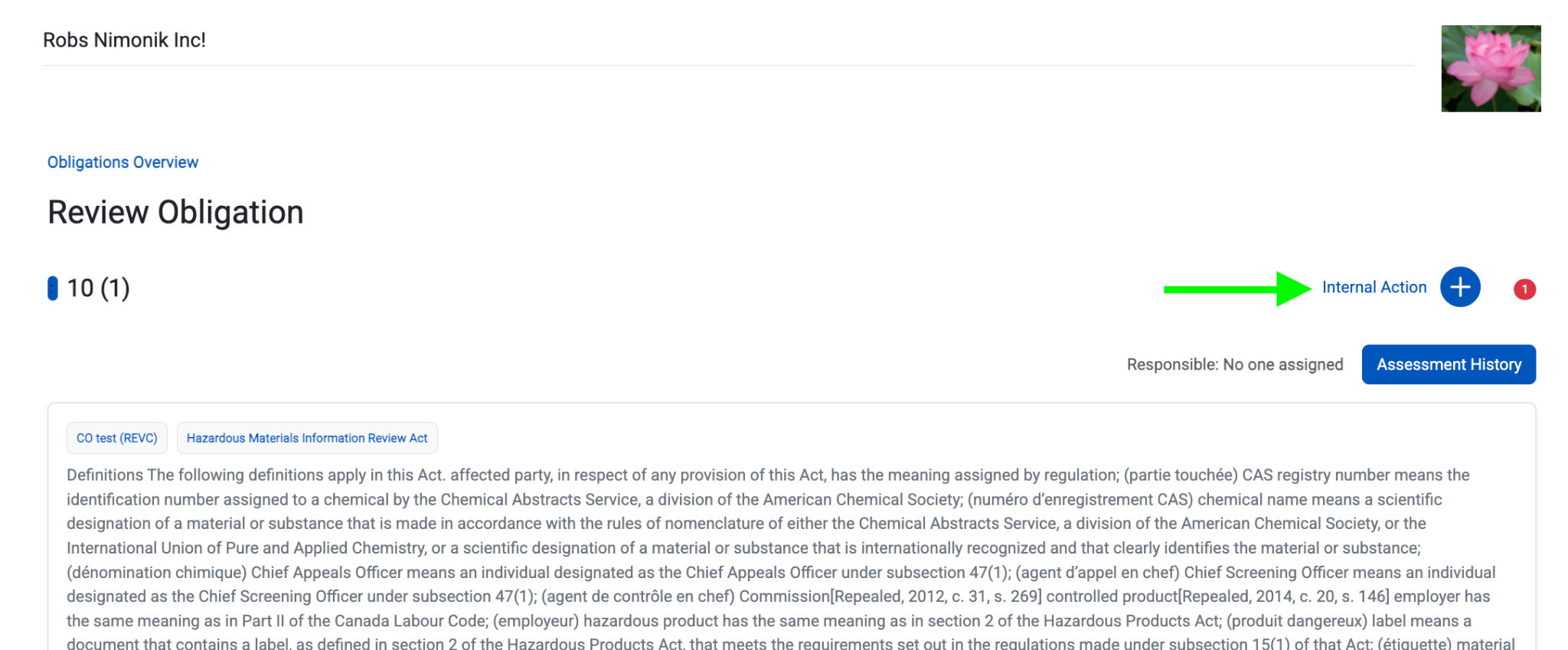
The user can also assign an Internal Action to another user in the situation where an additional review or action item needs to be executed by a different responsible party:
Overwriting Connected Obligations
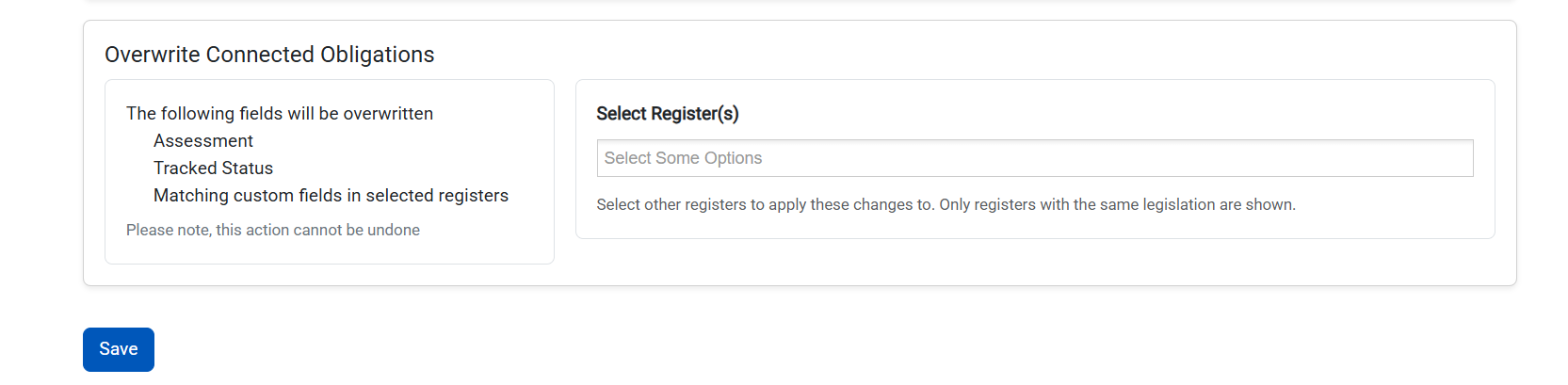
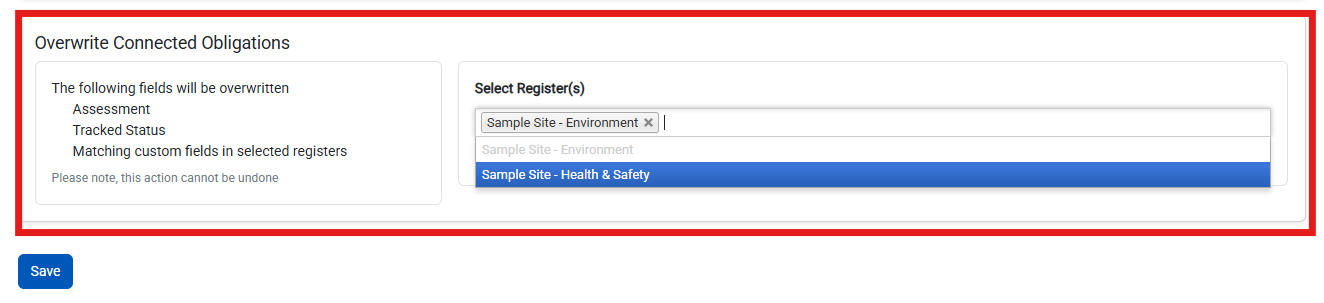
If this document is a Connected Document, you can overwrite child records in other registers using the "Overwrite Connected Obligations" feature. Click on the dropdown bar and select which registers the user would like to overwrite the data in:
Creating Internal Actions
Users can create Internal Actions from the Obligation Review page. For more information on Internal Actions click here.
Was this article helpful?
That’s Great!
Thank you for your feedback
Sorry! We couldn't be helpful
Thank you for your feedback
Feedback sent
We appreciate your effort and will try to fix the article