Get Instant Help with the Nimonik Support Chatbot
The Nimonik Support Chatbot is designed to help you find answers quickly, anytime you need them. Powered by WonderChat, the chatbot pulls information directly from Nimonik’s official support documentation to deliver accurate, up-to-date responses.
What the Support Chatbot Can Help With
The chatbot uses content from the Freshdesk Nimonik Help Center to assist with:
How-to questions and product guidance
Navigating Nimonik features and workflows
Finding relevant help articles and documentation
Clarifying common issues and next steps
Getting pointed to human support when needed
Because the chatbot is trained on our support articles, its answers reflect the same guidance provided by the Nimonik Support Team.
Where to Access the Chatbot
You can access the Nimonik Support Chatbot in three ways:
Click the "Support Chatbot" card on the Nimonik Support homepage
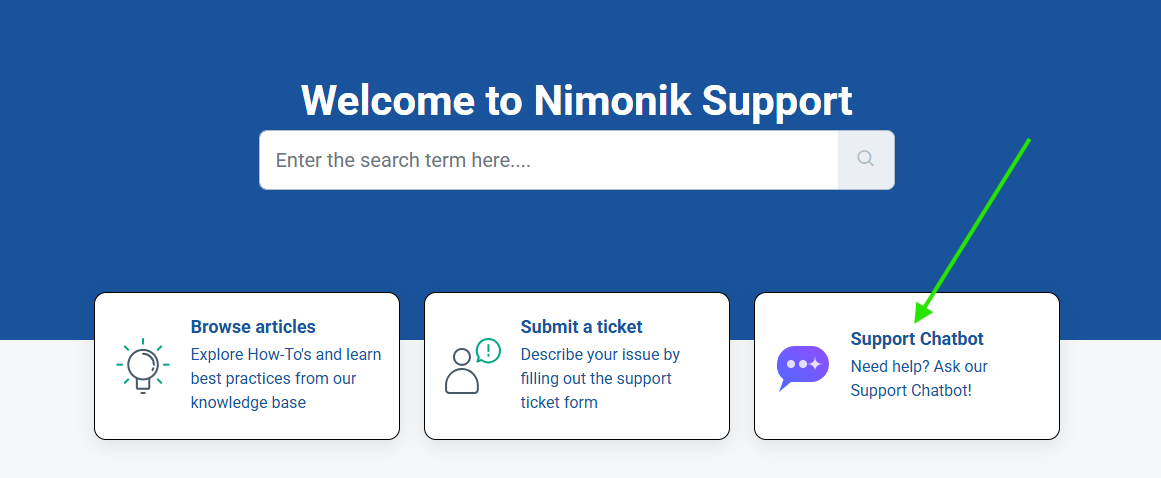
Embedded widget:
The chatbot is available as a chat widget in the bottom-right corner of every Nimonik support page, including the Help Center.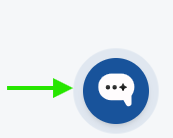
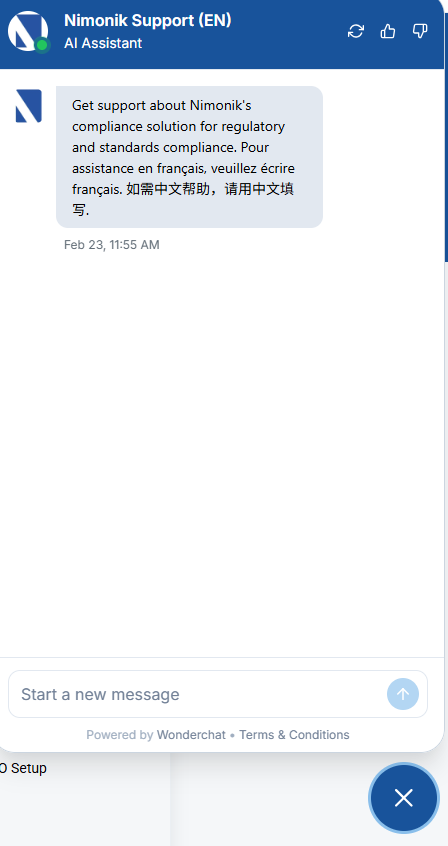
Direct link:
https://app.wonderchat.io/chatbot/cm850zdf40ct0teyiceeju8kvIf you prefer the chatbot to reference French support pages, use this link: https://app.wonderchat.io/preview/cm87jgkyg084lmcddm5moylby
No login is required, just open the chat and start asking questions.
Multilingual Support
You can ask questions in any language, and the chatbot will respond in the same language. This makes it easy for users around the world to get help quickly and comfortably.
When to Use the Chatbot vs. Contact Support
Use the chatbot for:
Quick answers
Product guidance
Help article discovery
24/7 assistance
Contact the Support Team directly for:
Account-specific issues
Billing or contract questions
Complex or urgent support needs
If the chatbot can’t fully resolve your issue, it will guide you to the appropriate next step.
Your First Stop for Support
Think of the Nimonik Support Chatbot as your first stop for help, fast, accessible, and always available. It’s the quickest way to get answers and stay productive, while ensuring you’re backed by Nimonik’s official support knowledge.
Was this article helpful?
That’s Great!
Thank you for your feedback
Sorry! We couldn't be helpful
Thank you for your feedback
Feedback sent
We appreciate your effort and will try to fix the article