Freeze Register Columns
Nimonik has added the ability to freeze the first two columns within a register.
To enable this feature, click on the "Add/Remove/Reorder Register Fields" button

A new "Freeze first two columns" option has been added to the "Add/Remove Columns" page in the registers.
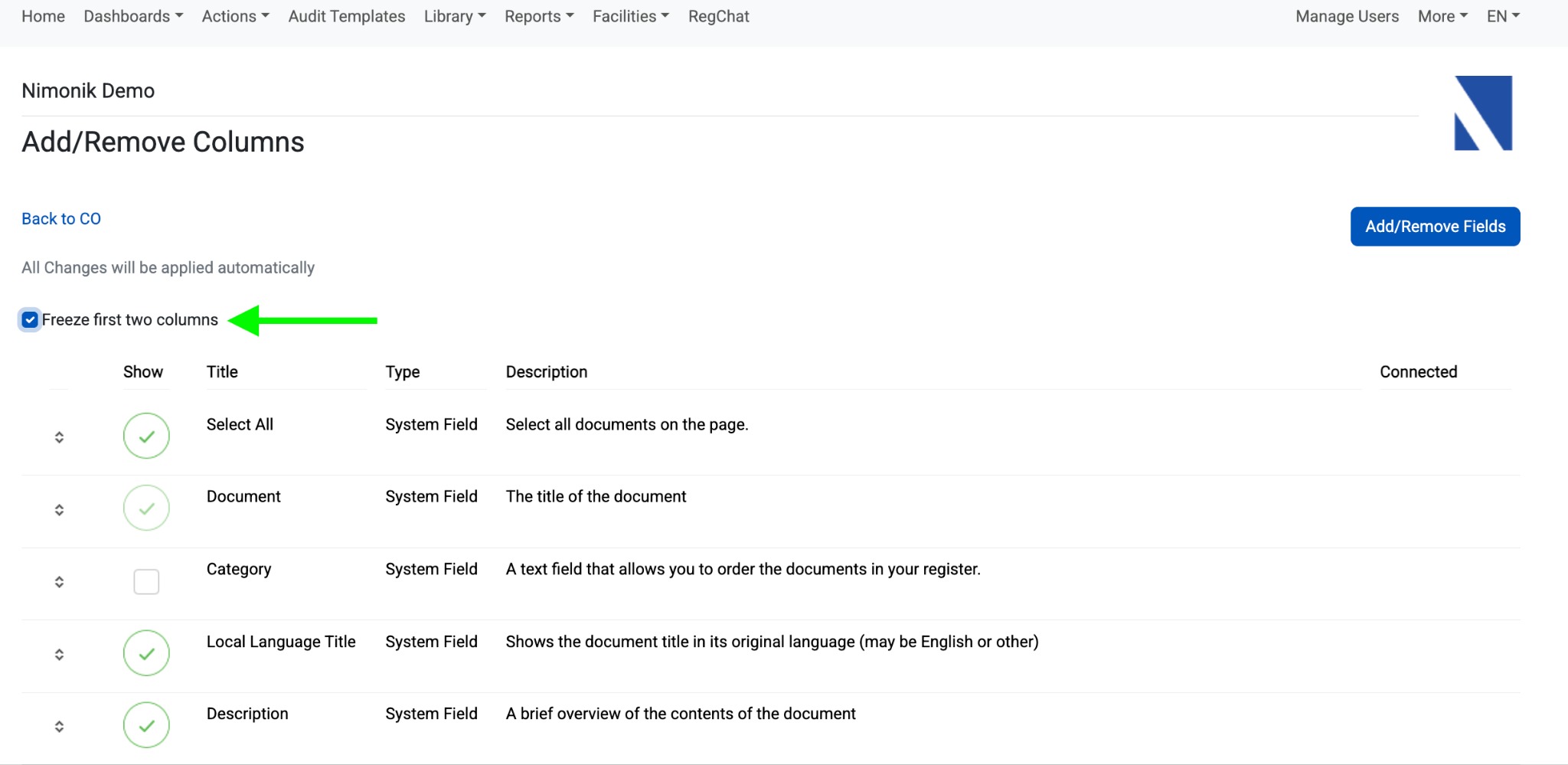
If this option is selected, as the user scrolls to the right, the two left most columns will remain visible on the screen.
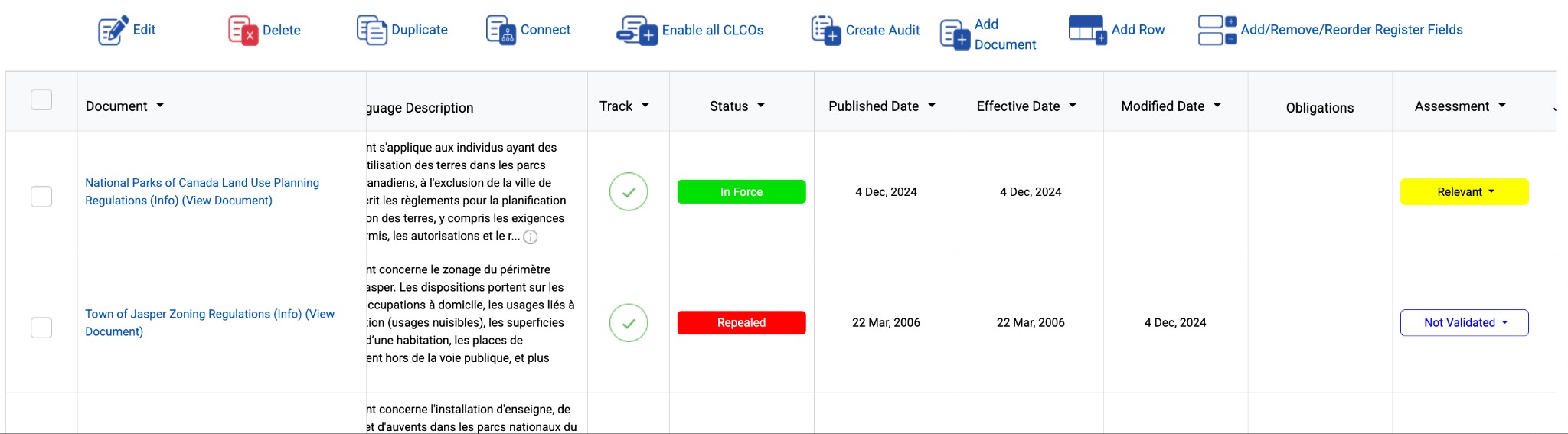
Please note that this option will enable and freeze the two topmost columns in the list, so make sure that you move the columns that you would like to freeze to the top.
Was this article helpful?
That’s Great!
Thank you for your feedback
Sorry! We couldn't be helpful
Thank you for your feedback
Feedback sent
We appreciate your effort and will try to fix the article